How to Run a Report with Non-Replicated Attributes
In Active Directory (AD), most attributes are set to replicate between domain controllers by default. However, there are some attributes that are not replicated across domain controllers. These attributes are considered to be for local use only.
Examples of attributes that are not replicated across Active Directory domain controllers include:
- lastLogon
- badPasswordTime
- badPwdCount
- logonCount
- whenChanged
Adding Non-Replicated Attributes to Any Report
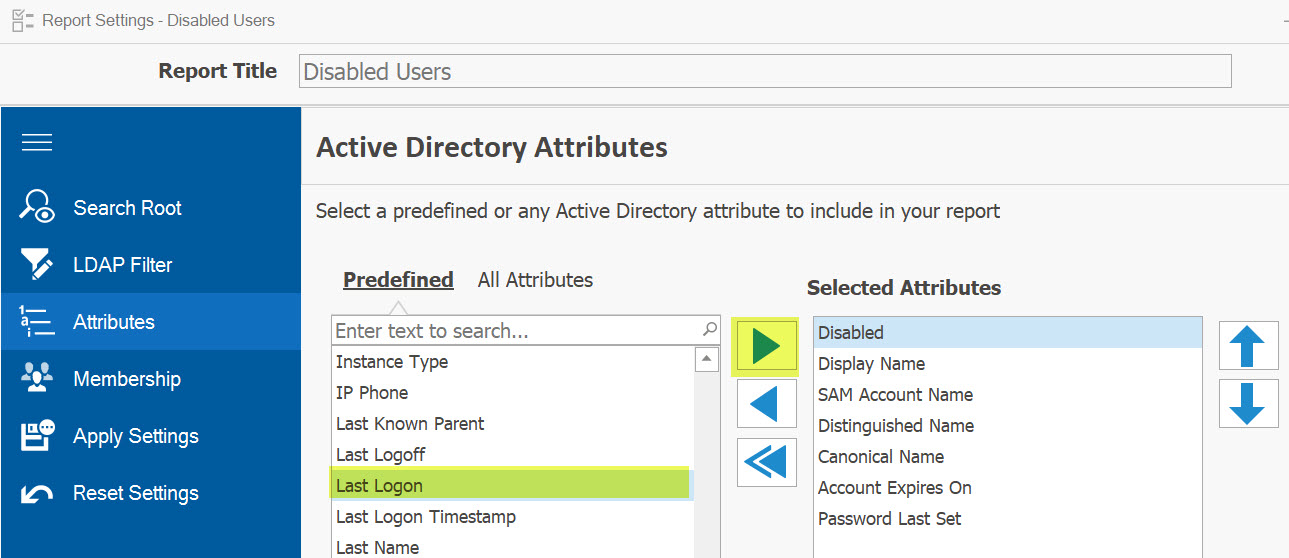
If you add any of these attributes to your report, each selected domain controller will be scanned for accurate data. For example, to find out the latest login time for a user, AD Reports will collect the Last-Logon attribute from all domain controllers in the domain to identify the most recent date and time.
Reports That Need to Scan Each Domain Controller
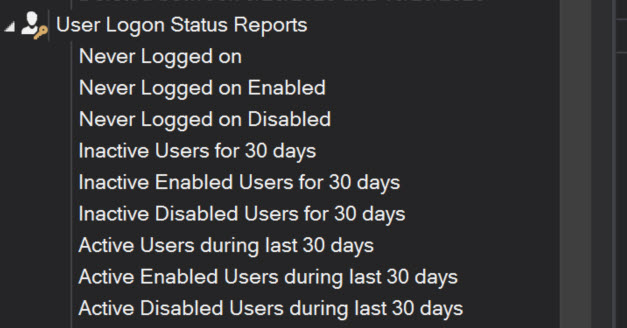
Certain reports will scan all selected domain controllers, irrespective of whether any non-replicated attributes are selected. For instance, reports on login statuses such as those identifying users who have never logged in, or those distinguishing between active and inactive users require scanning domain controllers to obtain the most up-to-date and accurate information on users' last logon activity.
Tracking the Progress
The moment you initiate a report that includes non-replicated attributes, the logger will alert you that your report contains such attributes, and each domain controller will be scanned.

If certain domain controllers are not selected, the logger will display a message indicating that these domain controllers have been excluded from the scan.

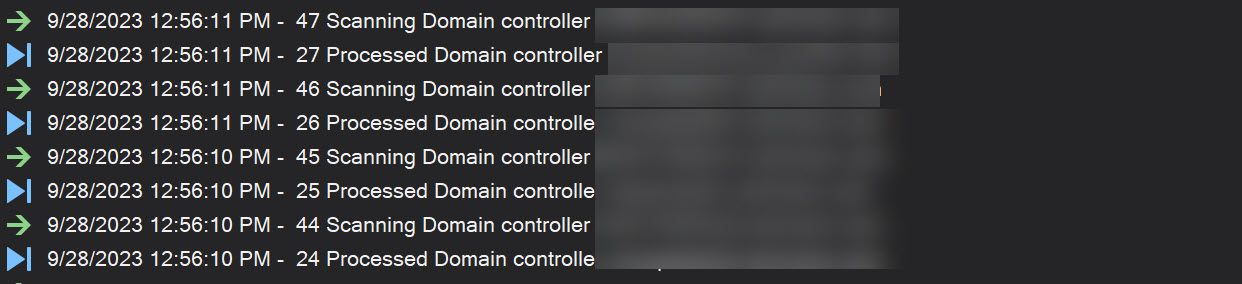
While the report is running, the logger will show each domain controller both at the start and after being processed.
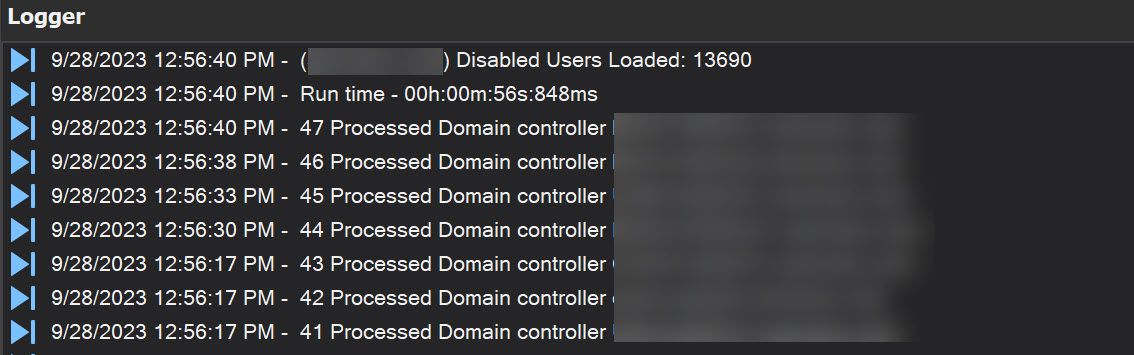
Once the report is complete, the logger will display the total time it took to generate the report.