Azure Entra ID User Reports
8+ ReportsAbout Azure User Reports
Azure Entra ID User Reports provide comprehensive insights into your Microsoft Entra ID (formerly Azure Active Directory) cloud users. These reports use the Microsoft Graph API to retrieve user data from your Entra ID tenant. In addition to the pre-built reports, you can create fully custom reports using the Azure Report Configuration tool with OData filters and 42 selectable properties.
Direct Microsoft Graph API integration
OData filters with 42 properties
Excel, CSV, PDF, Clean XLSX
Authentication Required
Azure User Reports require authentication with your Microsoft Entra ID tenant via the Microsoft Graph API. See the Azure Authentication Settings guide for setup instructions.
Example: Azure Entra ID User Reports in AD Reports
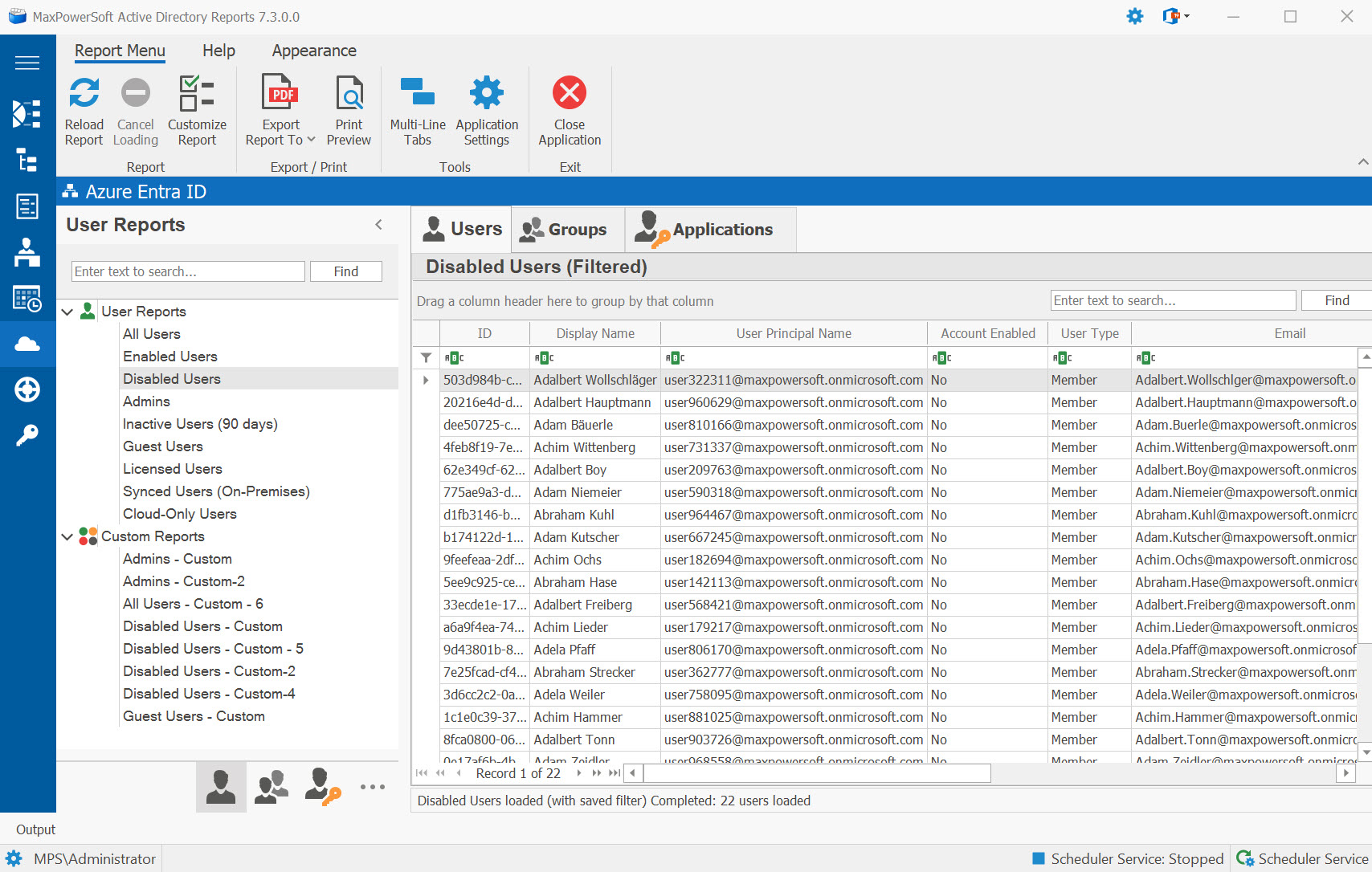
Available Reports
All Users
Retrieves a complete list of all user accounts in your Microsoft Entra ID tenant, including synced on-premises users, cloud-only users, guest users, and service accounts.
Enabled Users
Lists all active user accounts in your Entra ID tenant where the account is not blocked from sign-in.
Disabled Users
Lists all user accounts in your Entra ID tenant that are blocked from sign-in.
Admins
Lists users assigned to Entra ID administrative directory roles such as Global Administrator, User Administrator, and other privileged roles.
Guest Users
Lists all external guest users (userType = Guest) invited to your Entra ID tenant via B2B collaboration.
Stale Guest Users (90 days) New
Lists guest accounts created more than 90 days ago. Common cleanup target — external collaborators who got an invitation, were never reviewed, and quietly accumulate. The cutoff date is computed each time you run the report. Free-tier — no Entra ID P1 / P2 license required.
Synced Users (On-Premises)
Lists users synced from on-premises Active Directory to Entra ID via Azure AD Connect or cloud sync.
Cloud-Only Users
Lists users created directly in Microsoft Entra ID (not synced from on-premises AD).
Custom Azure Reports
Create custom reports using the Azure Report Configuration tool. Select from 42 Entra ID properties organized into 9 categories, build OData filters with a visual query builder, and configure column layout.
How to Create Custom Azure Reports